On this page
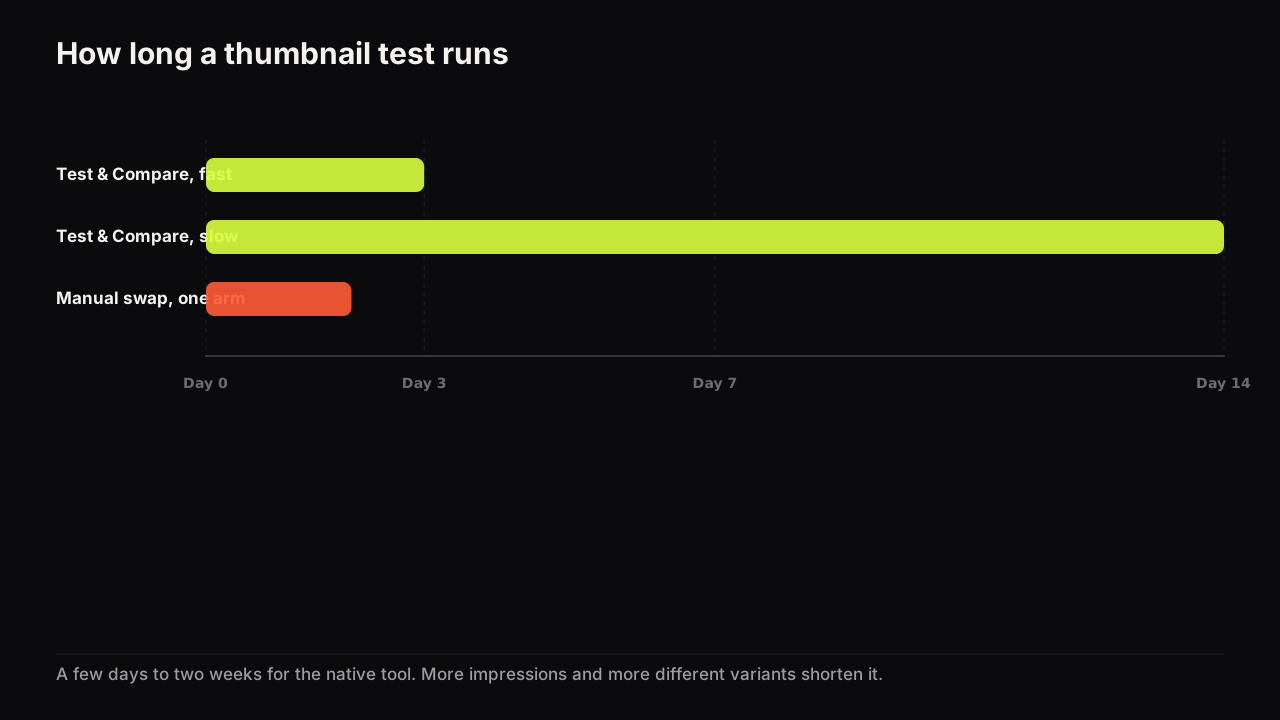
A Test & Compare run on YouTube takes a few days and up to two weeks, according to YouTube's help page on testing titles and thumbnails, and it finishes sooner when the variants are more different and the video gets more impressions. For a manual swap on a video the tool cannot test, we recommend 24 to 48 hours per thumbnail, alternated at least twice. Neither method rewards impatience: a test read early is a coin flip with a spreadsheet.
YouTube's own range and the two speed factors
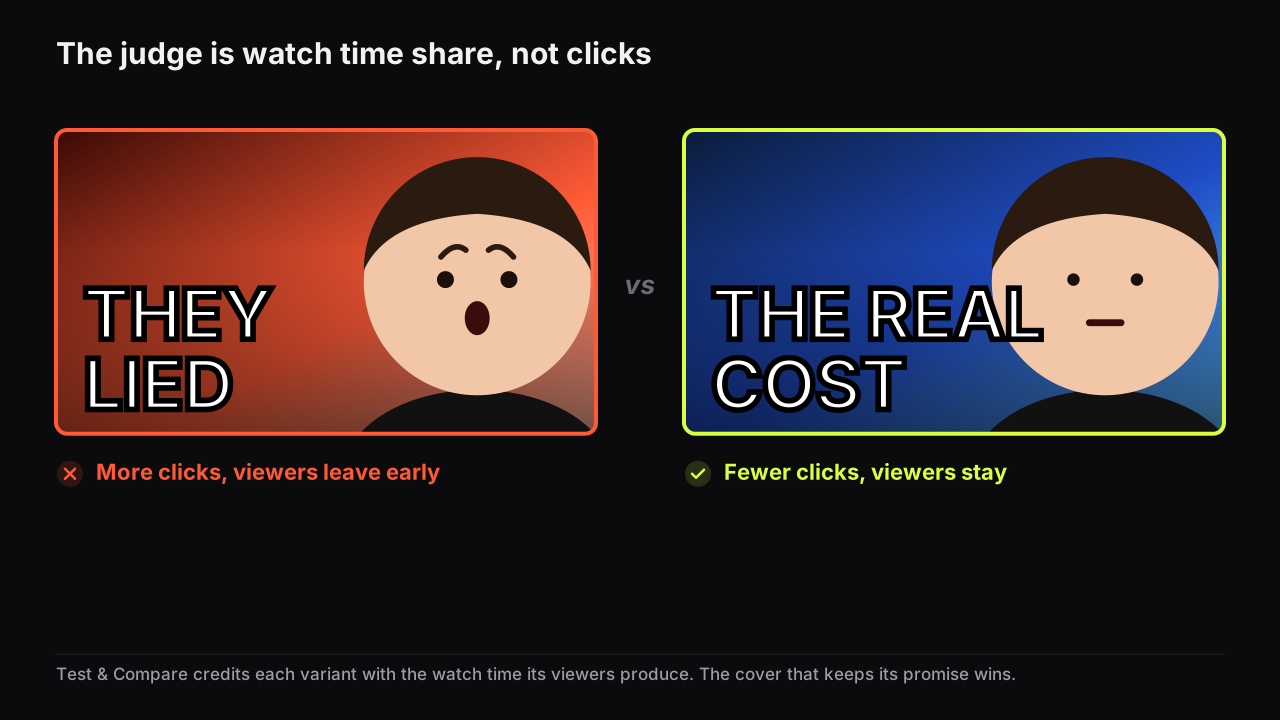
YouTube's help page says a test can take a few days or up to two weeks, and that it resolves faster with more different variants and more impressions. The result is decided by watch time share, not clicks, and a test that cannot separate the variants ends as Inconclusive, with the first uploaded option becoming the default.
The range is wide because the tool is waiting for confidence, not for a date. It needs enough viewers to have seen each variant, and enough difference in what those viewers went on to watch, to call one variant the Winner with statistical confidence. The two speed factors follow from that.
More impressions. A video shown to many people splits into large groups quickly. A video shown to a few hundred people a day may never reach confidence in the two-week window. This is the factor you control least, and it is why the test belongs on the videos your channel is already getting shown for, not the quiet ones you want to rescue.
More different variants. Two covers that look alike produce viewers who behave alike, and the tool has nothing to measure. Two covers that make different honest promises produce different behaviour fast. This is the factor you control entirely. If your tests keep running the full two weeks and ending flat, the variants are too similar, not the channel too small.
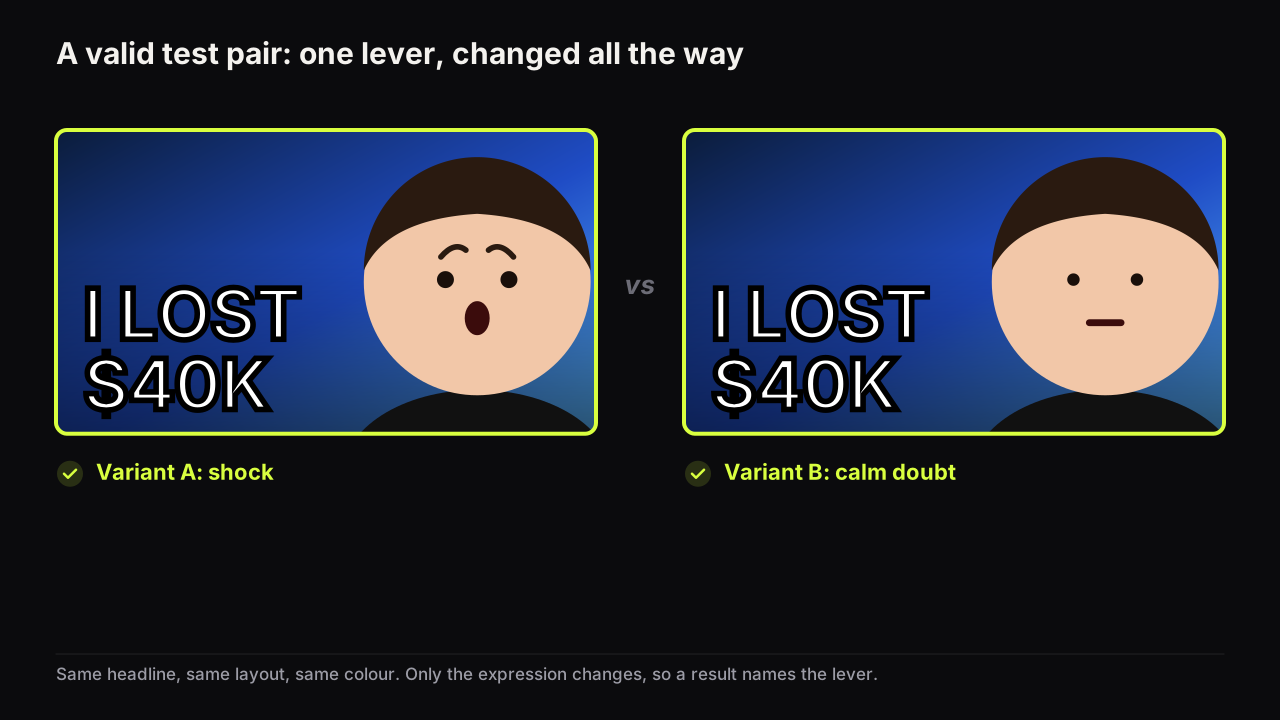
Say the video is a budget week in Lisbon. Variant A is the creator grinning at a tram window with "£11 A DAY" in yellow. Variant B is the same photo with the words in a different typeface and the sky nudged bluer. Those are twins, and the tool will run the full two weeks and report Inconclusive. Make B the same words over an empty hostel bunk with no face at all, and the test asks a real question: does this audience want the person or the place? That one has a chance of resolving in days.
How long a manual swap needs
Test & Compare does not run on Shorts, scheduled live streams, Premieres before they convert, channels without advanced features, or from Studio on a phone. For those cases the method is a manual swap, and the full rule set is in our guide to testing thumbnails with Test & Compare and by hand. The timing rules are these.
Give each cover 24 to 48 hours, so each window contains a full daily cycle of traffic. Swap on weekdays, not across a weekend. Alternate at least twice (A, B, A, B) so day-to-day drift shows up as disagreement between the pairs rather than as a false result. Wait a day after a window closes before reading its numbers, because the most recent day in Analytics is often still settling. These are our recommendations; YouTube publishes no timing for manual swaps because it does not treat them as tests.
The reason a swap needs longer than it feels like it should is that its two windows have different audiences. On a fresh upload, most of day one's viewers are subscribers arriving from notifications; by day two, Home and Suggested carry more of the impressions. A swap at hour twelve compares a subscriber audience with a browse audience, and whichever cover ran second will look worse for reasons that have nothing to do with the cover. Forty-eight hour windows on a video whose daily impressions are already flat remove most of that problem.
Call a manual result only when the gap between windows is large, at least a fifth in relative terms, and only when the impressions in each window came from the same main traffic source. Anything smaller is noise, and reading it as a result is how channels end up with a lessons log full of contradictions.
What to do with an inconclusive result
An Inconclusive state is information, not failure. It tells you that on this video, with these variants, the audience did not behave differently enough for YouTube to separate them. Use the decision below.
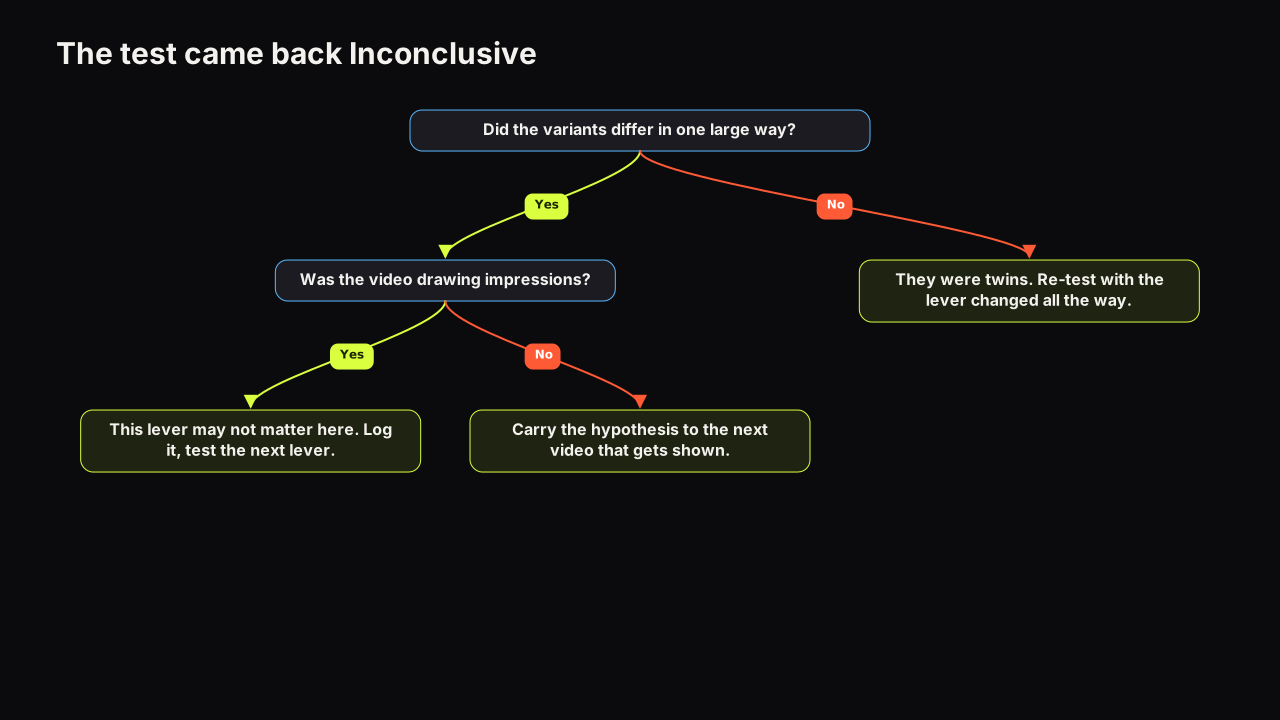
- Were the variants different enough? If you could not name the one lever that changed and say which direction it went, they were twins. Re-test with the same lever changed all the way.
- Was the video being shown? If daily impressions were low throughout, the test never had a fair chance. Do not re-test on the same video; carry the hypothesis to the next upload that draws impressions.
- Was the difference real but small? Sometimes the honest answer is that this lever does not matter for this audience. A Performed the same state says that explicitly; a repeated Inconclusive on well-separated variants says it quietly. Log it and move on to the next lever.
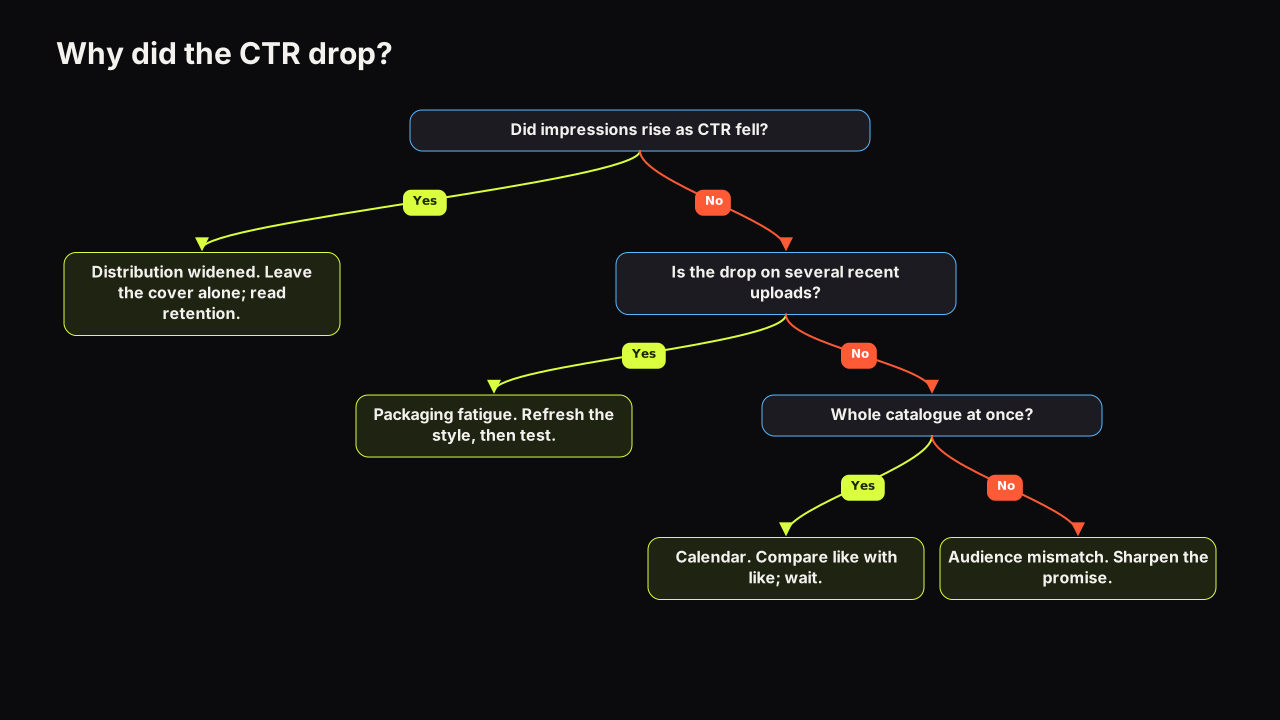
The first uploaded option is now the default on that video, which is why we would upload the safer cover first every time, even though that means the bolder idea only ships if it wins outright. An Inconclusive falls back to the first upload, and we would rather the fallback be the cover we can live with for a year. If the CTR on the video seems to drift afterwards, check why CTR drops for reasons unrelated to the cover before blaming the default.
Testing on a small channel
Small channels hear "you need more impressions" and stop testing. That is the wrong conclusion. The right one is to test fewer things, with bigger differences, on the videos that get shown.
On a channel where most uploads draw modest impressions, run one test per month on the video most likely to be recommended, and test the channel's pattern rather than that video's picture: shock versus calm across your whole style, headline versus no headline, face versus object. A Winner on a pattern test transfers to every future cover; a Winner on a picture test transfers to nothing.
Two-variant tests resolve faster than three-variant tests on the same number of impressions, because each variant gets a larger share of the viewers. Until the channel is being shown widely, stay with two.
Making the second variant is the only part of this that costs time, and it should not. On the bench, Tweak takes a finished render as the source and changes one thing, so a calm-face variant of a shock-face cover, or a no-headline variant of a headline cover, is a single render rather than a rebuild.
What to do next
- If a test is running now, leave it alone until YouTube reports a state. Reading the CTR line mid-test tells you about surface mix, not about the cover, as our explainer on why the tool judges by watch time share shows.
- If your last test ended Inconclusive, ask the two questions above (different enough? shown enough?) before designing the next one.
- If the video cannot be tested by the tool, plan an eight-day alternating swap on a weekday, and put "read a day late" in the calendar.
- Before the next upload, choose the lever, make the two covers as different as the lever allows, and upload the one you would keep first.