On this page
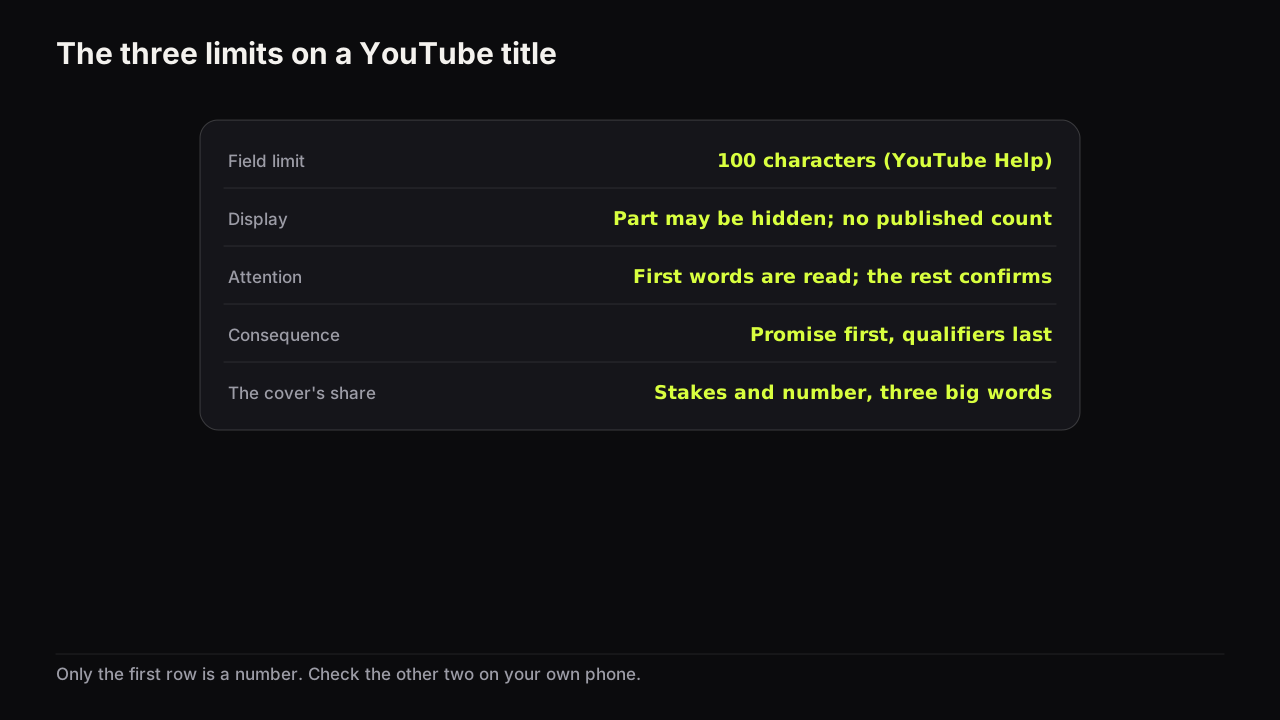
A YouTube title can be up to 100 characters long, and that is the only hard limit. The other two limits people confuse with it are not numbers: viewers may see only part of the title depending on where it is shown, and viewers read only the first few words before the cover takes over. Writing a title that survives all three means putting the promise in the first words, treating everything after them as optional, and letting the thumbnail carry what the title cannot.
Limit one: 100 characters, the hard limit
YouTube's help page on uploading videos gives 100 characters as the maximum length of a video title, and the same limit applies to Shorts. Source: YouTube's upload help page.
This is a field limit, not a recommendation. Treat it as the ceiling rather than a target: a title that needs all 100 characters to make its promise has usually put the promise in the wrong place. We would rather ship a title of forty characters with the promise in its first five words than one of ninety-five that covers every phrase someone might search, even though the long one may match more queries, because we cannot see which queries it matched and we can see where the short one gets cut.
Limit two: display truncation, which has no number
YouTube's thumbnail and title tips page says viewers may only see part of the title, and advises limiting ALL CAPS and emoji in titles. Source: YouTube's thumbnail and title tips.
Where the cut falls depends on the surface, the device, the app version and the width of the letters themselves, and YouTube publishes no character or pixel count for it. Guides that give one are describing one screen on one day; we do not repeat those numbers because we cannot source them and because the truth changes with the layout.
What you can do is look. Open your channel on a phone, in the Home feed, in search, and in the Suggested column beside another video, and see which of your titles lose their ending. If the promise was in the ending, the title has failed on that surface, whatever its character count.
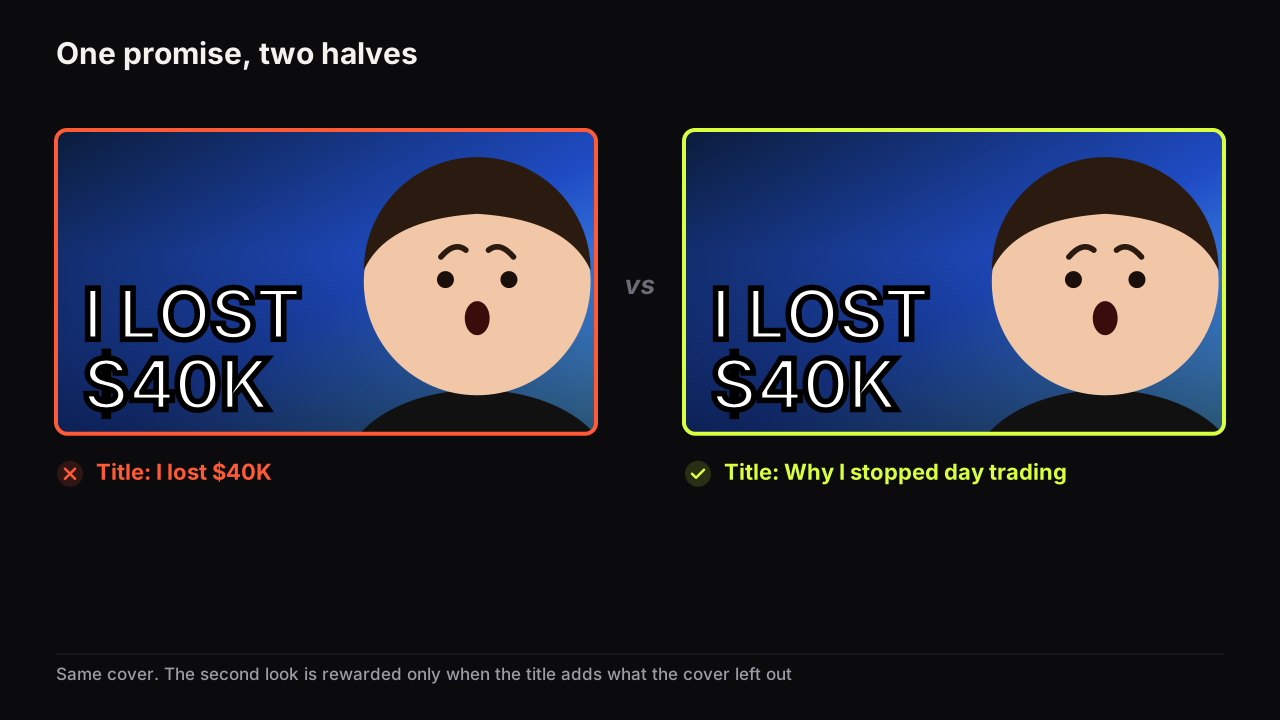
Write the title so that it still makes its promise if it is cut after the first few words. Then read the title with your thumb over the second half. If what remains is "How I finally managed to" the promise is on the wrong end; if it is "I lost $40K day trading", it survives.
Limit three: the reader's attention, which the cover shares
The third limit is not imposed by YouTube. A viewer deciding in a feed does not read a title the way they read a sentence; the eye goes to the cover, takes in the big words and the face, glances at the front of the title, and decides. The first words of the title do the choosing, and the rest does the confirming once interest exists.
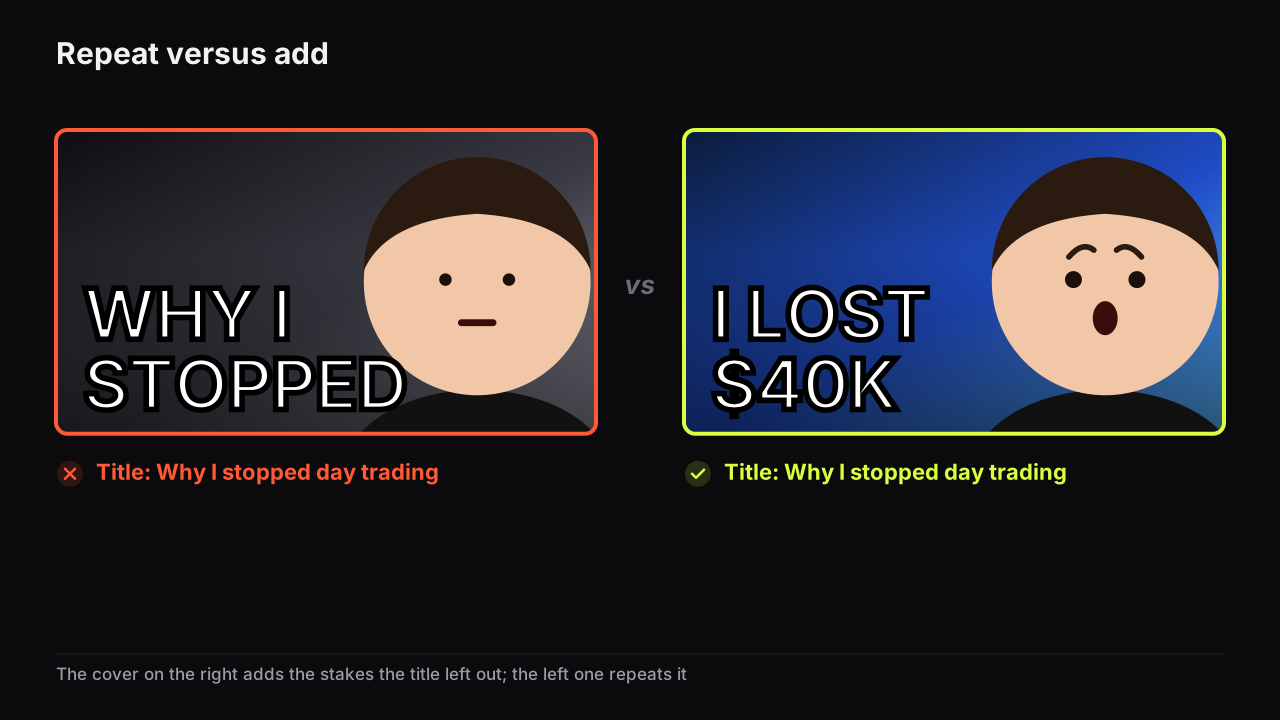
This is why the title and the thumbnail have to be written as one unit, which is the argument of the guide to titles and thumbnails as one promise. The cover shows why the video matters in three words and a face; the title says what the video is, in a sentence whose first words carry the promise. Neither has to do the whole job, and neither should try. A title that tries to be the cover as well ("SHOCKING! I LOST $40K AND YOU WON'T BELIEVE WHY!!!") wastes its front words on emphasis the face already provides, which is also the behaviour YouTube's tips page asks creators to limit.
How the cover carries what the title cannot
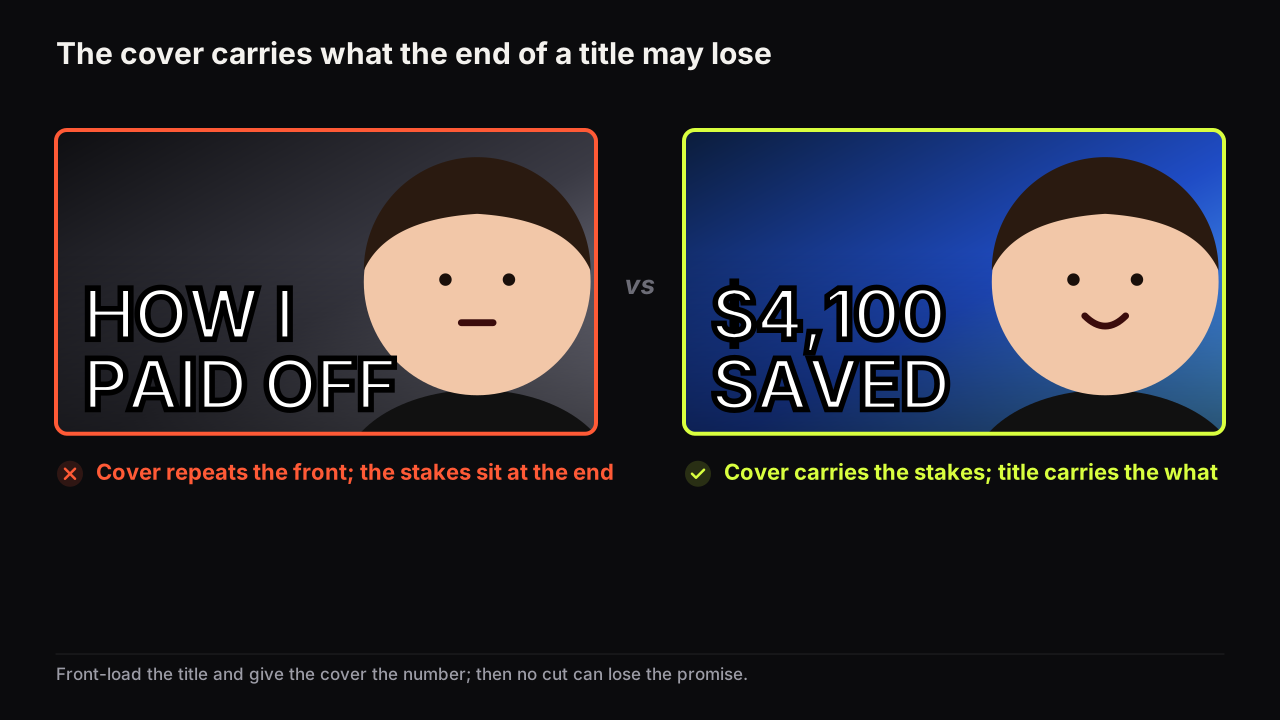
Because the cover is seen first and at every size, it is the right place for the part of the promise the title is most likely to lose. The division is simple: the stakes, the number or the twist go on the cover in three big words; the subject and the context go at the front of the title; the qualifiers go at the end, where losing them costs nothing.
| Long title (promise at the end) | Front-loaded title | Cover headline |
|---|---|---|
| How I finally managed to pay off my car loan two years early with a simple budgeting method | I paid off my car loan 2 years early. Here is the method. | $4,100 SAVED |
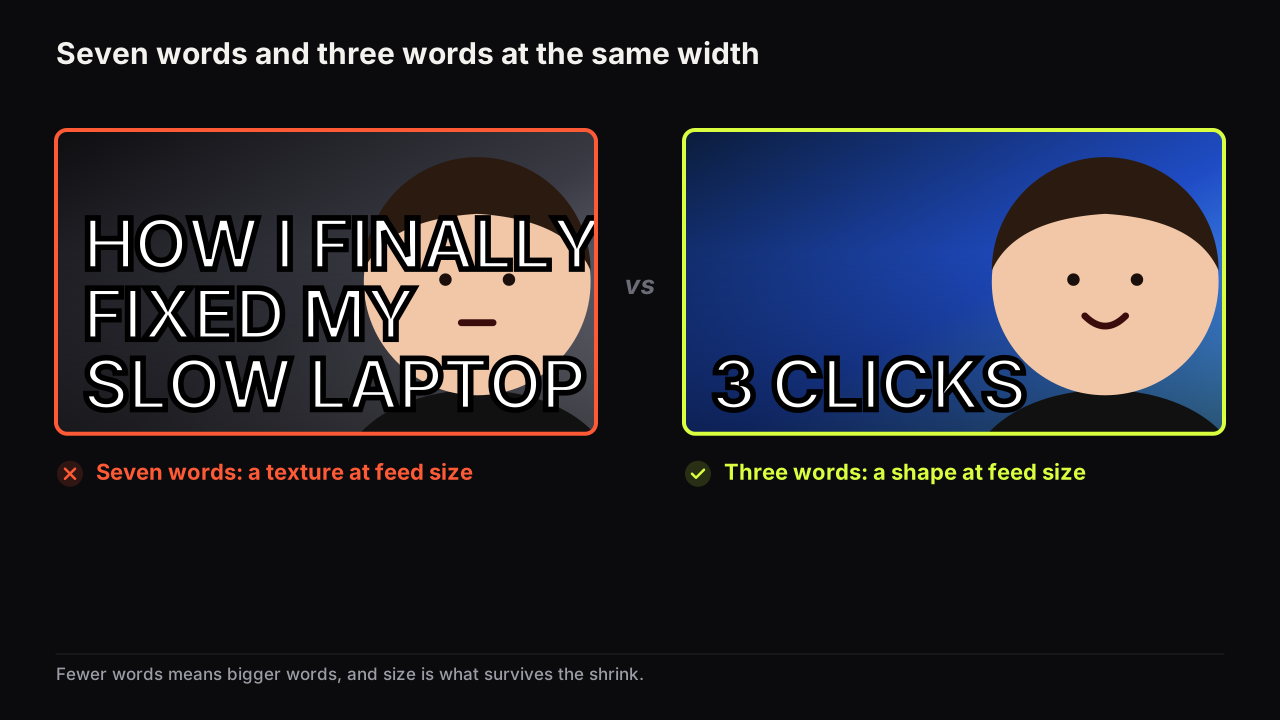
| A complete beginner's guide to fixing a laptop that takes forever to start up in Windows 11 | Fix a slow Windows 11 boot in 3 clicks | 3 CLICKS |
| I tried living in Tokyo for a week on the smallest budget I could manage and here is what happened | A week in Tokyo on £11 a day | £11 A DAY |
Two things happen in every row: the promise moves to the front of the title, so it survives any cut, and the number moves onto the cover, where it is set large and seen first.
Take the Tokyo row and imagine the cover. A bento box fills the right half, shot from above on a red tray. The creator's face is small in the top left, eyebrows up. The words £11 A DAY sit on the left in white with a black outline, over a street at dusk. A viewer infers a budget challenge in a city they assume is expensive and wants to know how it was done, which the front of the title then confirms. Now imagine the same picture with the words TOKYO ON A BUDGET. The title already says Tokyo, the three words have been spent repeating it, and the number, the one part of the promise that is hard to dismiss, is nowhere on the screen. Swapping those five words back to three is the whole fix.
Whether the cover words should ever duplicate the title is the subject of whether thumbnail text should repeat the title; the short version is that they add rather than repeat, and that search-led how-to content is the exception. The count on the cover side is bounded too: three big words or fewer, for reasons of size rather than reading.
Most of the over-long titles we see are long because the cover was designed afterwards and the title had to carry the whole promise alone. Package the pair together and titles shorten by themselves.
On the bench the cover half of that split is the "Words on it" field: the three big words are rendered into the image, and the maker returns up to four options in about a minute, so you can see the title and the cover words side by side before either is final.
Caps, emoji and what the front words should be
Once the promise is at the front, the remaining decisions are small. Keep capitals for the one word that needs weight, if any, and leave emoji out unless the channel's voice depends on them; YouTube's tips page asks for both to be limited, and a row of capitals at the front spends the reader's first glance on shouting rather than on the promise. Put the subject noun early (the loan, the laptop, Tokyo) so a viewer scanning for a topic finds it. And choose the opening formula on purpose; the six that work, and the cover pattern each one needs, are laid out in title formulas that pair with a thumbnail.
Common questions
Does a shorter YouTube title rank or perform better?
YouTube does not document any effect of title length on ranking or recommendation, and we have no sourced data on it, so we do not claim one. What we can say is that a title whose promise sits in its first words survives every surface, and a title whose promise sits at the end does not. Write for the reader and the front-loading takes care of itself.
Do Shorts titles have the same limit?
Yes. YouTube's upload help page gives 100 characters as the title maximum, and the same limit applies to Shorts. The front-loading rule applies there too, because a Shorts title is read even more briefly than a long-form one.
Should the thumbnail text repeat the title?
Usually not. The title says what the video is and the cover says why it matters, so each adds something on the second look. The exception is search-led content, where a cover that echoes the searched-for words confirms relevance at a glance.
What to do next
Take the title of your next video and cover its second half with a thumb. If the promise is gone, rewrite it so the promise comes first, move the number onto the cover, and check the pair on a phone in the Home feed before upload. If the pair still says the same thing twice, the packaging guide linked above has the five ways the split goes wrong and the fix for each.