On this page
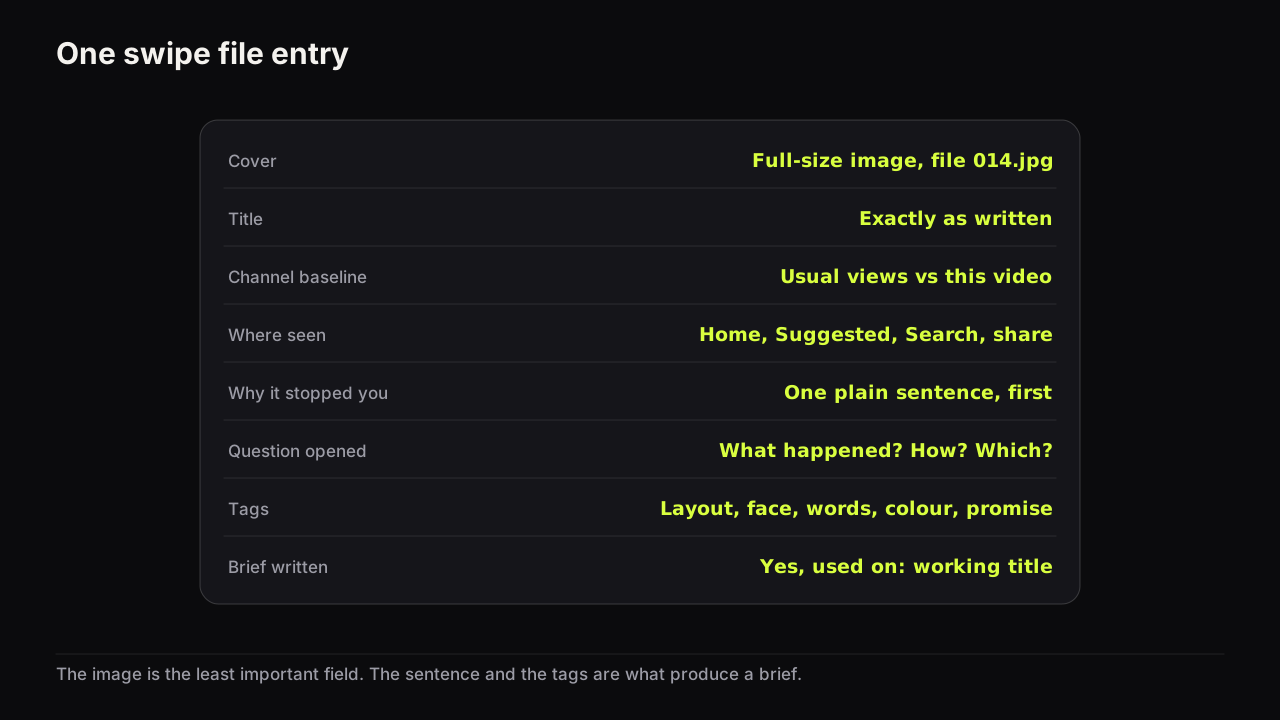
A thumbnail swipe file is a collection of covers you saved because they worked, with enough written beside each one that it can become a brief for your own video. The image is the least important part of an entry. A screenshot folder decays into noise within a month because it stores pictures without the reasons; a swipe file that stores the title, the channel's usual numbers, where you saw it and why it stopped you is a research asset that gets more useful every week.
What to capture for every entry
Capture at the moment you see the cover, because most of the context evaporates once you close the tab. Seven fields, none optional.
| Field | What to record | Why it matters later |
|---|---|---|
| Cover | The full-size image, saved to a folder with the entry number as its name | Grids and screenshots lose the detail you will want when you rebuild the layout |
| Title | Exactly as written | The cover and title split the promise; one without the other is half the evidence |
| Channel baseline | Roughly what this channel's recent uploads get, and this video's views | Turns "big number" into "outlier" or "ordinary" |
| Where seen | Home, Suggested, Search, a share, a Short's link | A cover that won in Search had a different job from one that won on Home |
| Date | Today, and the upload date | Old covers reflect an old feed |
| Why it stopped you | One sentence, written before you analyse it | Your first reaction is the viewer's reaction; the analysis comes after |
| Question opened | The question a viewer would ask: what happened, how, which one, is that true | This is the reusable part |
The full-size image matters more than it seems. A screenshot of a feed gives you a small, compressed copy with the duration badge across the corner. The free thumbnail downloader takes a video link and returns the full-size file, no account needed, and it takes less time than cropping a screenshot.
Write the "why it stopped you" sentence before anything else, in the plainest words you have: "the face is huge and the number is tiny", "I wanted to know what the second photo was". That sentence is usually the lever, and it is the one field you cannot reconstruct later.
A tagging taxonomy you can count
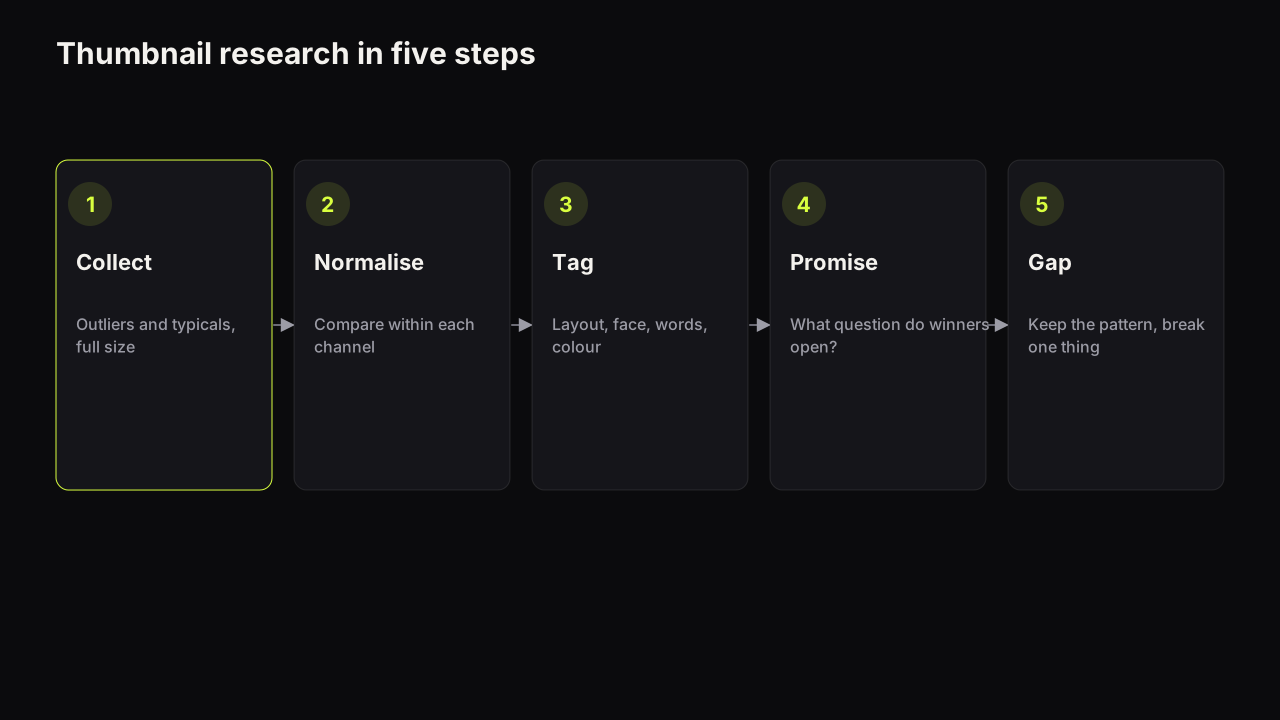
Tags are what turn a collection into evidence. The rule is one tag per dimension, from a short fixed list, so that a month from now you can count how often each tag appears. The taxonomy below is the same one our guide to studying the covers that already work in your niche uses for outlier analysis, so entries move between the two jobs without re-tagging.
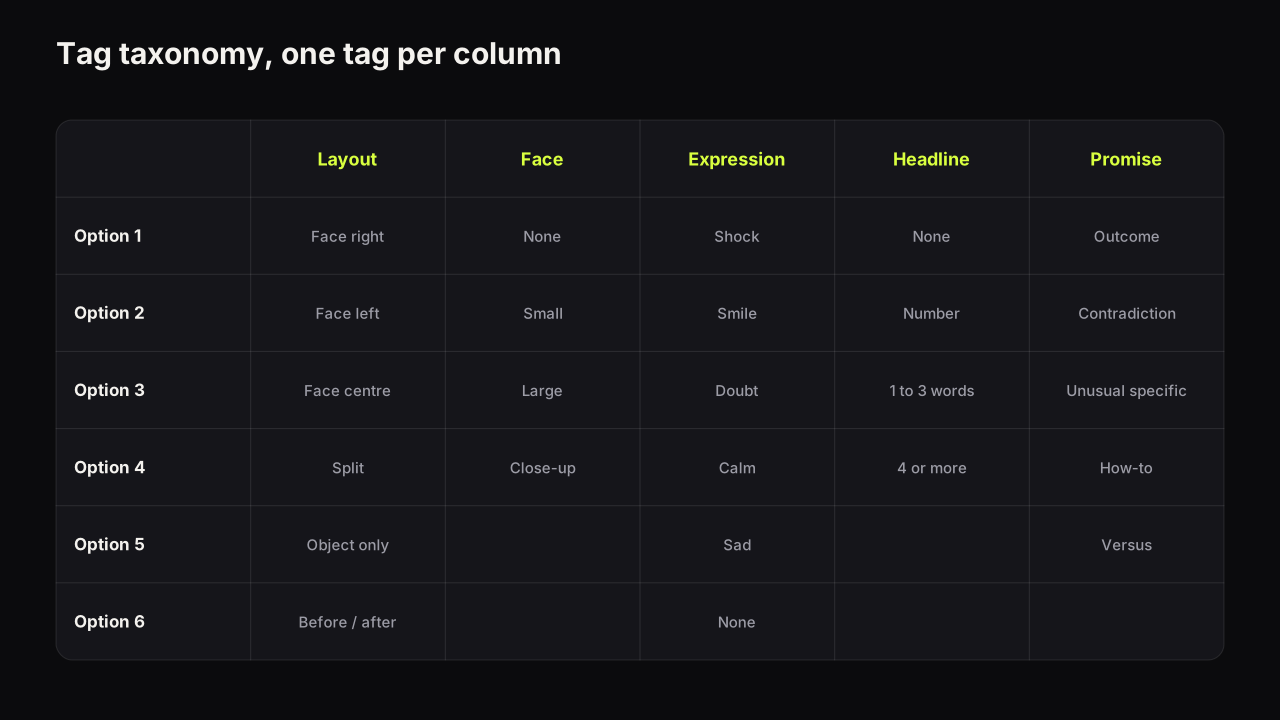
| Dimension | Allowed tags |
|---|---|
| Layout | Face right; face left; face centre; split; object only; before and after |
| Face | None; small; large; extreme close-up |
| Expression | Shock; smile; doubt; calm; sad; none |
| Headline | None; number; one to three words; four or more |
| Colour | Warm; cool; dark; light; saturated |
| Promise type | Outcome; contradiction; unusual specific; how-to; versus |
| Niche | Your own short list |
Resist adding dimensions. Every extra column halves the chance you fill it in, and a half-tagged file cannot be counted. If you want to record something that does not fit, put it in the "why it stopped you" sentence.
Two dimensions deserve a note. "Expression" is worth tagging even for covers outside your niche, because which emotions earn clicks varies by promise type and you will want to see the pairing across many entries. "Promise type" is the tag that does the most work at brief time, because it is the one that transfers between niches: an outcome promise works the same way on a fitness cover and a finance cover, even though nothing visual is shared.
The spreadsheet
A swipe file lives in a spreadsheet with an image folder beside it. Any spreadsheet will do; the structure is what matters.
One row per entry, columns in this order: entry number, date seen, channel, title, video views, channel baseline, where seen, upload date, why it stopped you, question opened, then the seven tag columns, then two more: "brief written" (yes or no) and "used on" (the slug or working title of your video, if any).
Name the image files by entry number only (014.jpg). Do not name them after the channel or title, because you will type the channel name inconsistently and the folder will stop matching the sheet.
Swipe files that survive have a low cost of entry and a high cost of skipping fields. The creators who keep one going for a year are the ones who made the row template so fixed that adding an entry is two minutes of copy and paste, and who treat a row with an empty "question opened" cell as not yet added.
The weekly review
A swipe file is only alive if it is read. Fifteen minutes once a week, same day each week, with three jobs.
- Finish the tags. Any row from the past week with an empty cell gets completed or deleted. Entries you cannot tag are entries you did not understand.
- Count one dimension. Pick a column and count the tags across the file. Which layout appears most among your saved covers? Which promise type? Over a few months these counts tell you what stops you, and what stops you is a good proxy for what stops your audience.
- Write one brief. Choose the entry that best matches a video you are planning and convert it (next section). One brief a week is enough; the point is to make the file produce, not to admire it.
Once a month, add a fourth job: look at the entries that came from your own channel. Your best-performing covers belong in the file with the same tags, and the pattern in your own outliers is the pattern you already know how to execute. If the monthly count shows the whole file converging on one look, that is your early warning that the look is becoming the niche's uniform; our piece on thumbnail fatigue explains why a style stops working and what to change first.
Turning an entry into a brief
A brief is the entry with the picture removed and your video put in. It keeps the layout and the kind of promise, and none of their image, face or words. This is the practical form of borrow the layout, never the cover.
Imagine the entry is a renovation cover you saved from a Suggested row of bright white kitchens: a woman with a sledgehammer, doubt on her face, "£4,000" top left, a half-demolished wall behind her, dark teal ground. Tags: face right, large, doubt, number, dark, outcome. Question opened: did she wreck it or fix it for that? Your channel is cycling. The brief keeps the doubt, the number and the dark ground against a row of sunny road shots, and asks the same question of a "£400" bike you have just stripped to the frame. Nothing of hers survives except the arrangement.
| Brief field | From the entry | For your video |
|---|---|---|
| Promise type | The tag | Same type, your outcome or contradiction |
| Question opened | The sentence | Rewritten for your video's actual content |
| Layout | The tag | Same arrangement |
| Face and expression | The tags | Your face, or a consenting co-host, with the expression your video justifies |
| Headline | The type (number, three words) | Your words, following the same type |
| Colour | The tag, and the neighbours you saw it against | Your dominant and accent, chosen for your row |
| What to avoid | Whatever the niche's typicals all did | The uniform you are stepping outside |
The finished brief reads as one paragraph: "Outcome promise. Face right, large, doubt. A single number on the left, three words at most. Dark background with one warm accent; the niche runs saturated red, so hold the accent to one element. The question the cover opens: how did it cost that much?" That paragraph is the input to the prompt structure we recommend for AI thumbnails, and it is also a perfectly good instruction for a human designer.
On the bench, the layout half of that brief can start from the entry itself. Paste the video link into the maker and it grabs that video's thumbnail image as the source, then renders the arrangement again with your headline, your style and your own face from Face Lab. It reads nothing but the image, no title, no views, no channel data, and the words, colours and face in the result come from your brief, not from the original. Use it for entries where the layout is the finding, and for your own past covers that deserve a refresh.
A remake is a variant, not a finished cover. The entry told you the layout; your video decides the expression and the headline. If the emotion on the source cover is one your video never delivers, do not carry it over; a cover that promises a reaction the video does not contain loses on watch time share and sits on the wrong side of the deceptive practices policy.
Keeping the file useful and clean
- Never republish an entry. The image is reference material. It does not go on your channel, your community tab or your social posts as if it were yours.
- Tag faces as faces, not as people. You are recording "large, doubt", not who it was. The person in someone else's cover is not a resource; only people who agreed to appear on your thumbnails belong in your renders.
- Prune quarterly. Entries that never produced a brief and whose tags match dozens of others are noise. Delete them. A swipe file of sixty entries you understand beats six hundred you do not. We would cap the file at a hundred entries and delete to stay under it, even though that means binning covers that might have been useful one day. A file you can count in fifteen minutes gets counted; one you cannot does not.
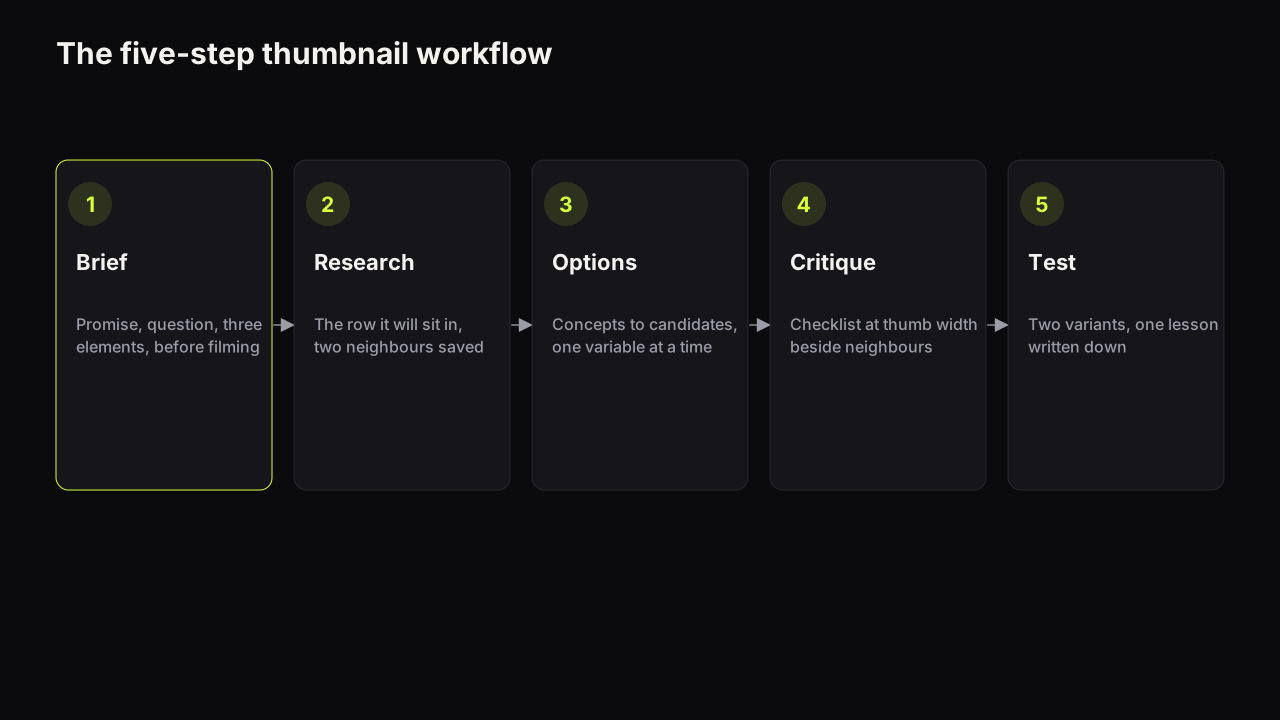
- Keep the file in the workflow, not beside it. The research step of a repeatable thumbnail workflow starts by opening the swipe file and filtering by promise type for the video in hand. If the file is not the first thing you open when packaging a video, it is a collection, not a tool.
What to do next
- Create the sheet with the columns above and the image folder beside it. Ten minutes.
- Add five entries tonight from covers you already remember stopping you, and write the "why it stopped you" sentence first for each.
- Put the fifteen-minute review in the calendar for the same day each week.
- Convert one entry into a brief for your next upload, and make two covers from it: one on the layout as found, one with the one gap you chose to exploit.
The outlier column in the template is only as good as your definition of one; what an outlier video is, and why tools disagree sets that definition.